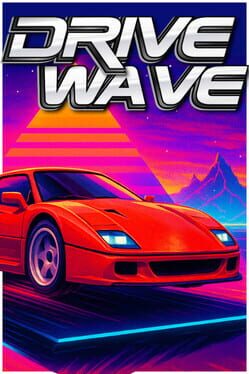
DriveWave

23 octobre 2025
Description en cours d'enrichissement
Cette fiche de jeu est en cours d'enrichissement automatique. Les informations ci-dessous proviennent des données brutes d'IGDB.

Description (IGDB)

Every keystroke powers your car across endless neon highways, from glowing deserts to midnight forests. Collect, customize, and embark on a driving journey, all while boosting your productivity.

Description en cours d'enrichissement.

Médias

Informations Steam

Description Steam (Français)

Transformez vos frappes en road trip !

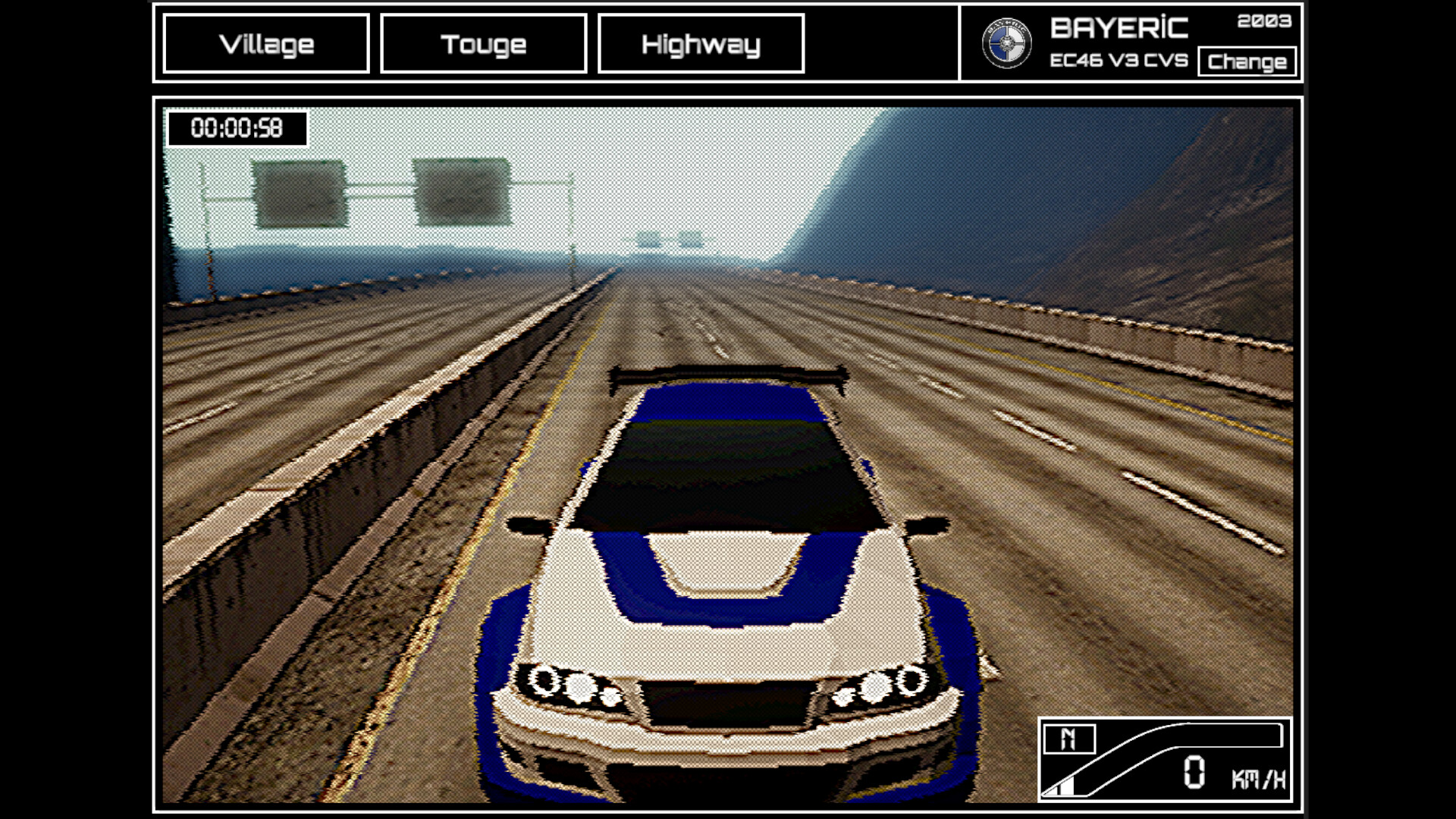
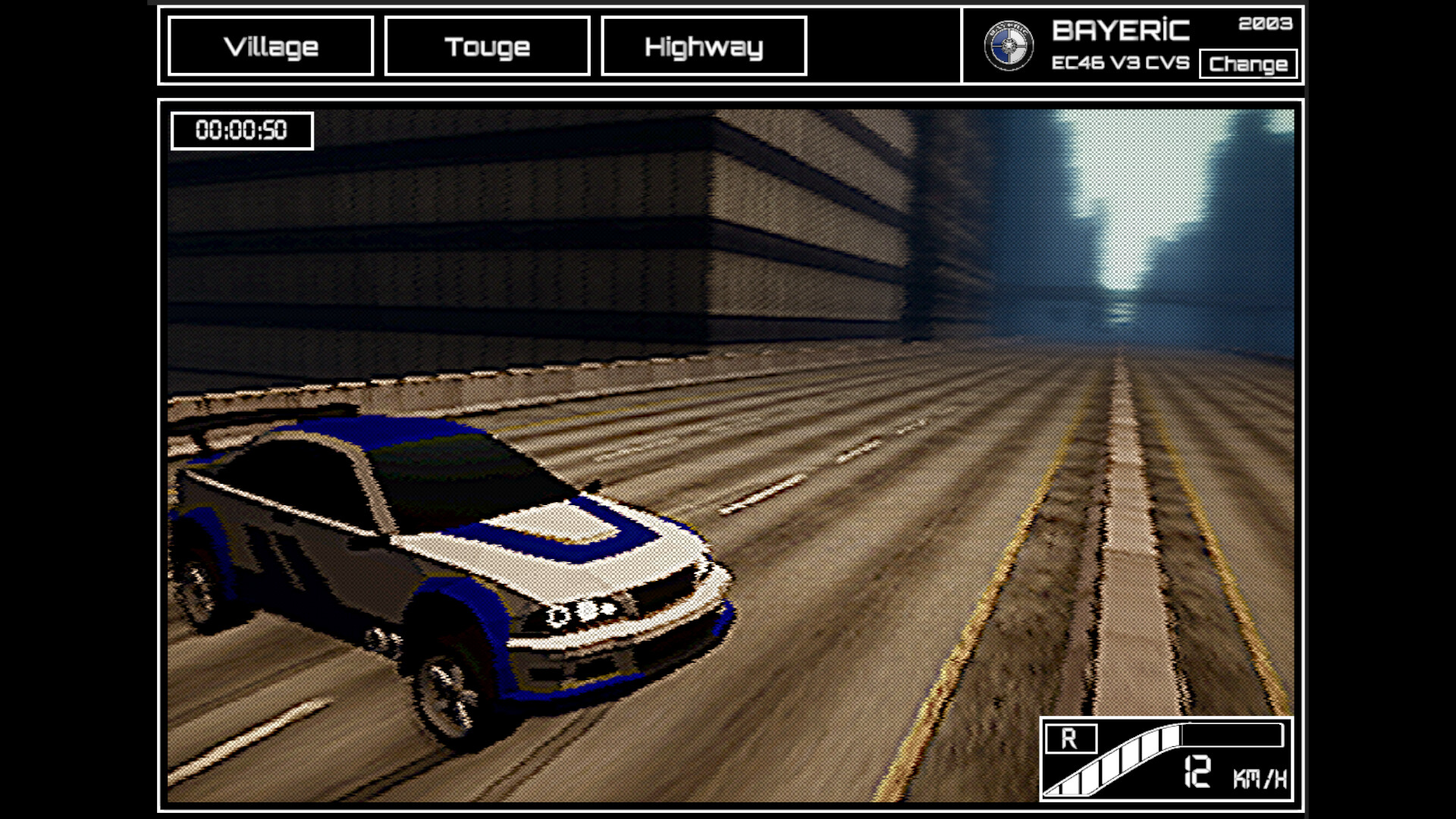
Chaque frappe propulse votre voiture sur d’infinies autoroutes néon, des déserts étincelants aux forêts nocturnes. Plus vous tapez, plus vous allez loin et vite, même en travaillant ou en surfant.

  • Toujours au premier plan : Roulez dans une fenêtre transparente tout en faisant autre chose.

  • Environnements infinis : Débloquez déserts, forêts, villes et bien plus encore au fil de la route.

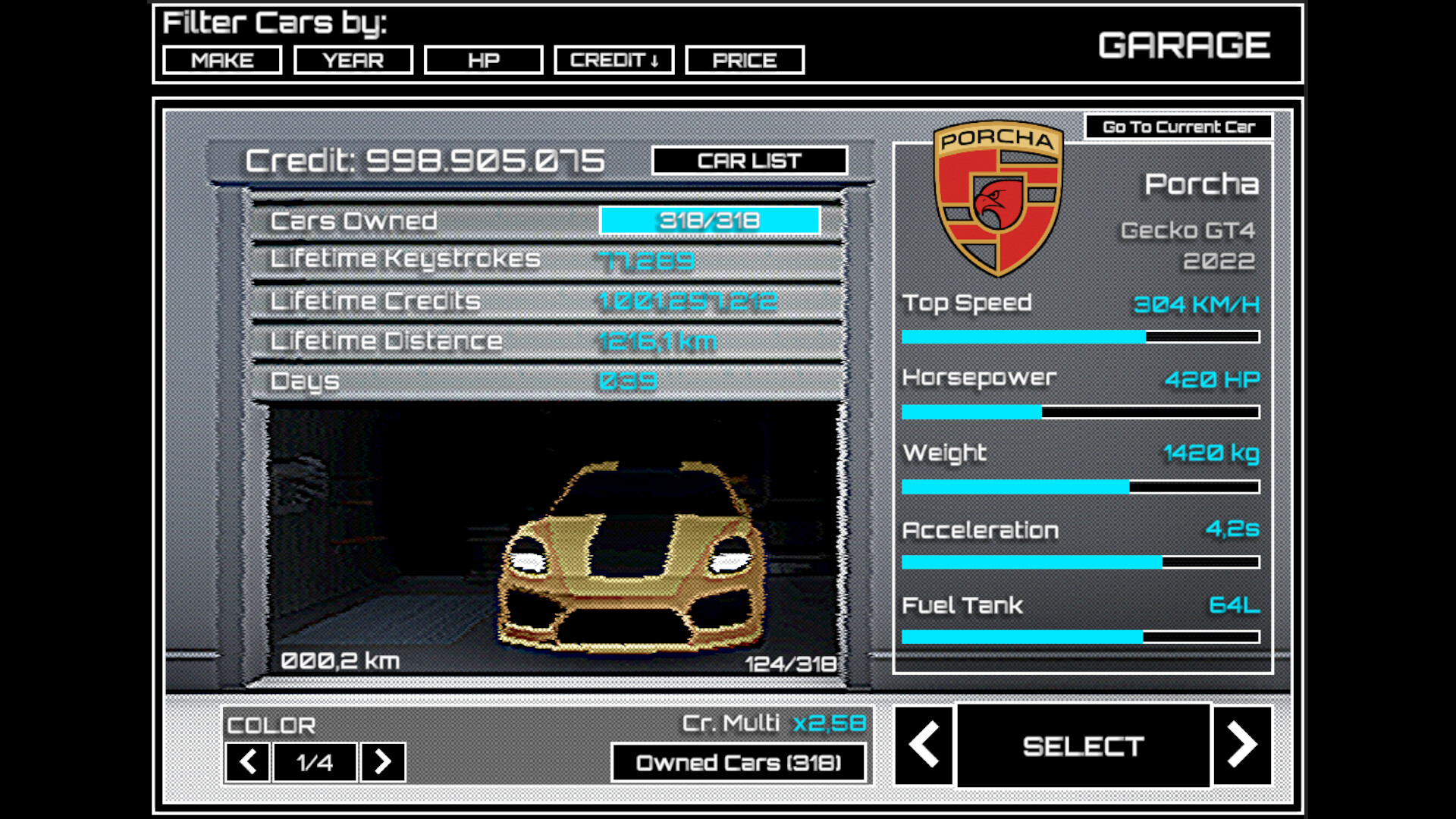
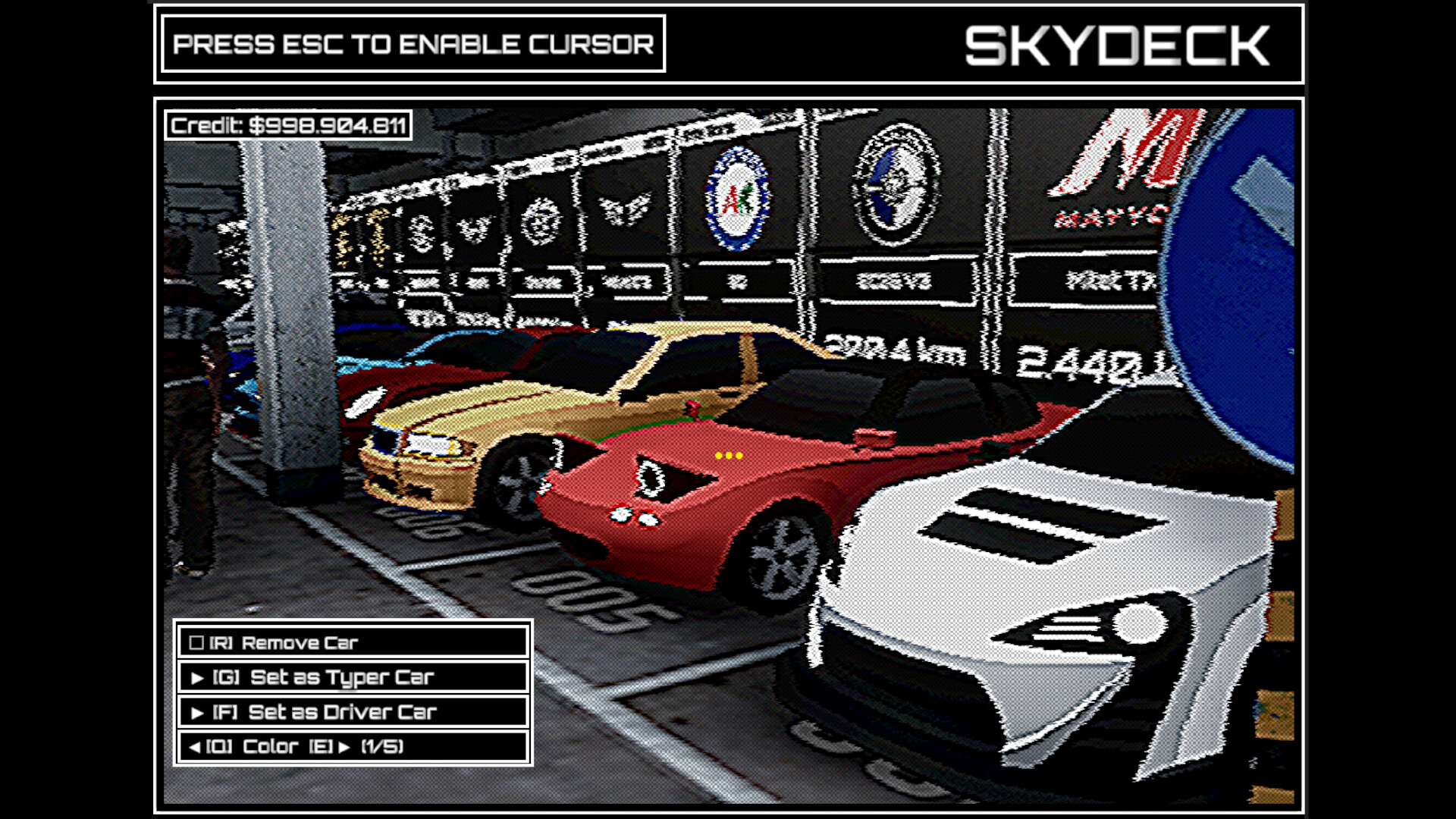
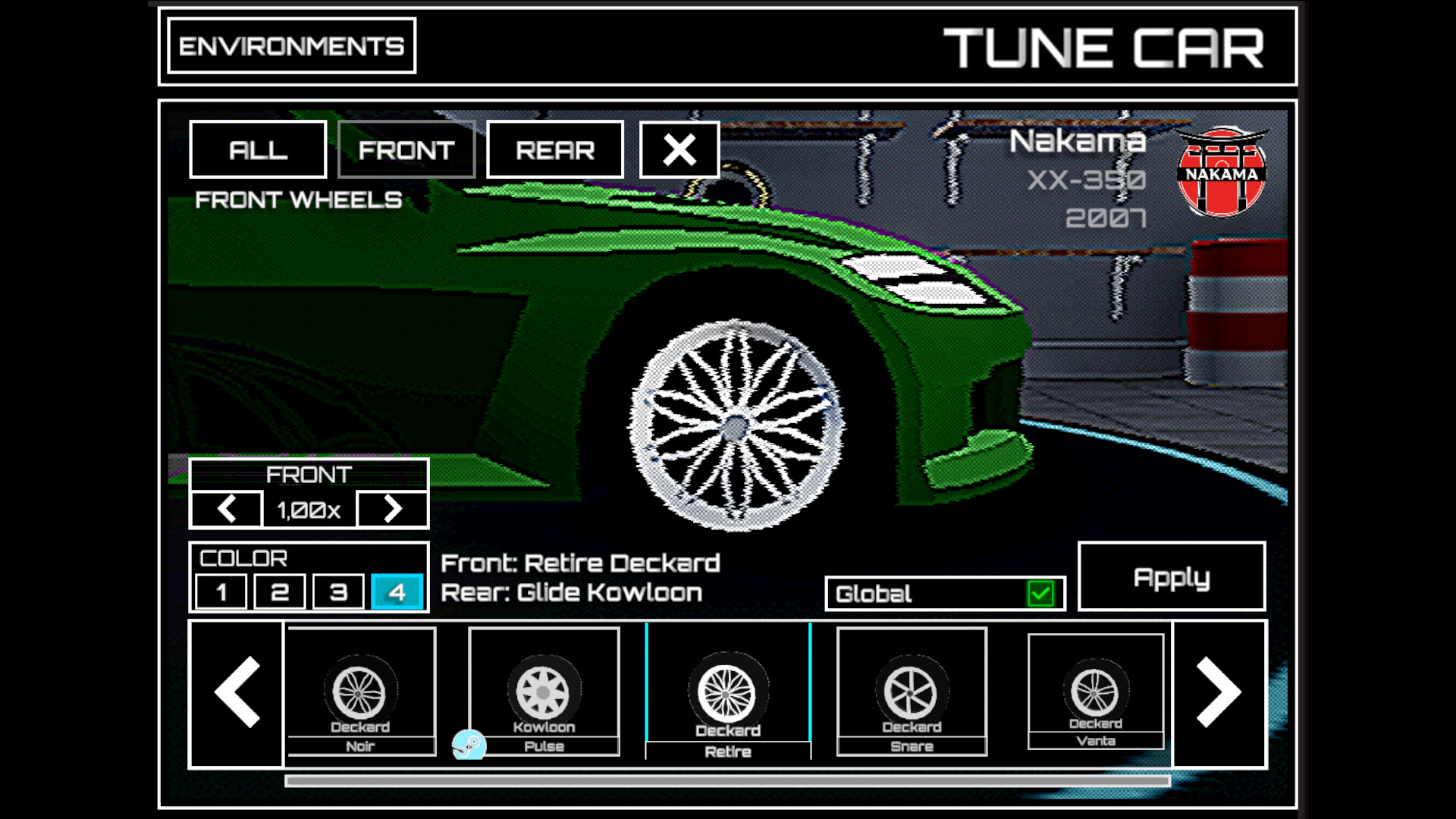
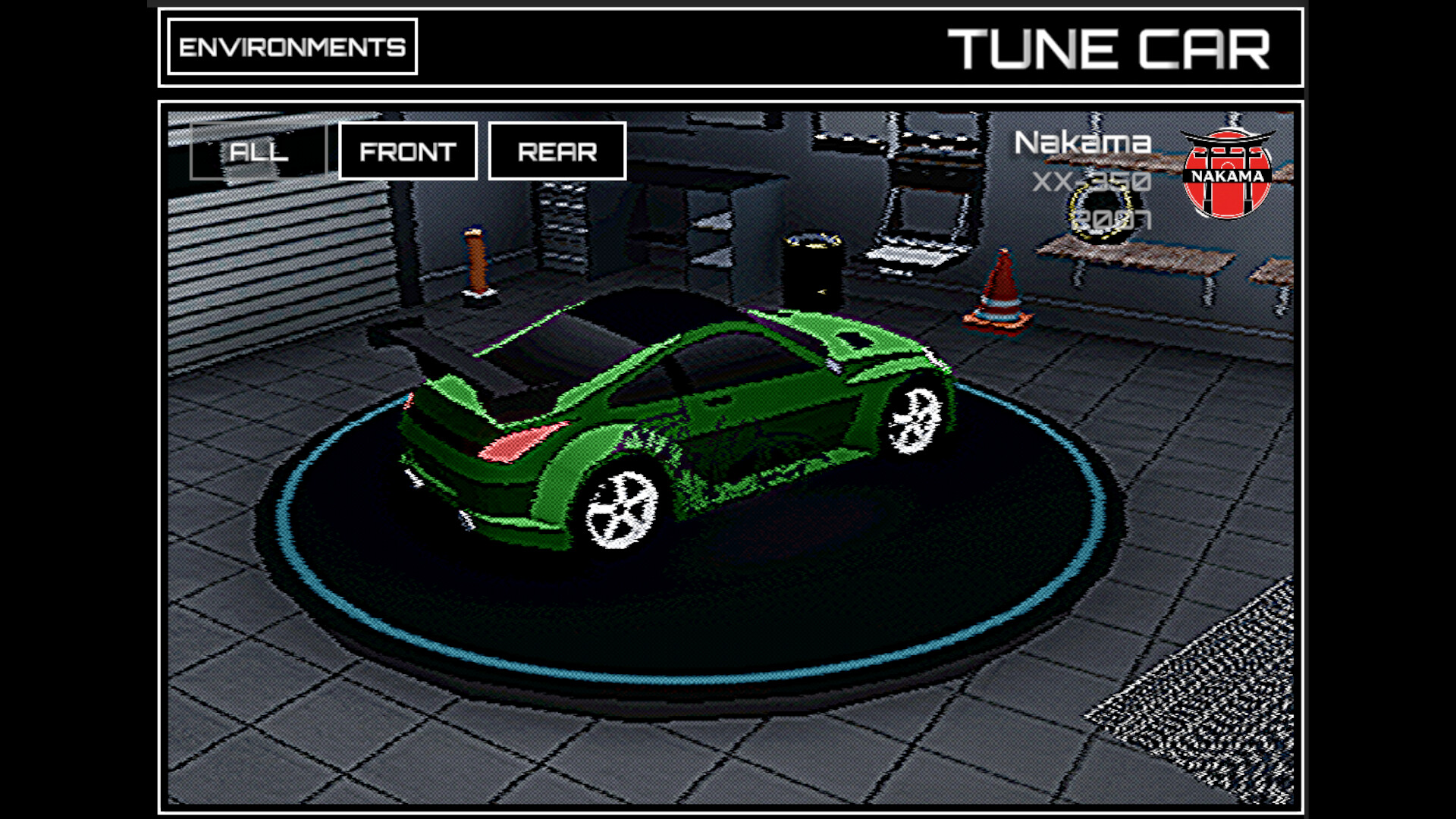
  • Collection & personnalisation : Constituez votre garage de rêve avec des voitures, roues et couleurs uniques.

  • Détente ou compétition : Profitez d’ambiances relaxantes ou visez la gloire des classements.

Tapez. Conduisez. Collectionnez. Recommencez.

Avis des joueurs Steam

Évaluation globale aucune évaluation
Total des avis 0

Mises à jour et Actualités

17 juillet 2026

DriveWave v1.5.220 - The One Where Your Rims Hit the Market

Hey everyone, This is one of the biggest updates since launch. Two headline features, a pile of long-standing bug fixes, and a full save system audit under the hood. Your wheel drops now actually land in your Steam Inventory This one is embarrassing and important. Wheel drops were supposed to appear in your Steam Inventory since day one. They never did, for anyone. The grant call we used only works for developer accounts, so it worked in every test and failed silently on every real machine. That is fixed, and it changes more than it sounds: New wheel drops now arrive as real Steam Inventory items, tradable and marketable. Wheels you already unlocked in the game are backfilled automatically. Just play with Steam running and your collection will sync to your inventory over your next sessions. Ownership is now two way. If you sell or trade a rim away, you lose it in the game too. If you buy one from the Market or a trade, it unlocks in the game without a drop. Selling something actually costs you something, which is what makes buying worth it. If a wheel you earned does not show up in your inventory after a couple of sessions, ping me on Discord with your Steam name. About that 5,000,000 km achievement I have seen the thread thanks to Wightie, and I did the math. At realistic play speeds, 5 million kilometers is roughly 25,000 hours of active driving. That was never going to happen organically, and I am not pretending otherwise. So here is the deal: once you own 150 cars, a new option appears in Settings that lets you buy mileage with credits, at 10 credits per km. It counts toward the odometer and every distance achievement, including the 5M. It does NOT count on the distance leaderboard. Bought kilometers will never outrank driven ones there. Distance counters that quietly stopped counting The "km bug" reports were real, and there were several separate causes: a precision bug that froze the lifetime distance accumulator on long saves, the same bug freezing the session timer, an interrupted environment transition that could silently stop distance from accruing, and a frame rate edge case where fast cars at low FPS stopped adding odometer distance entirely. All four are fixed. Top speed on fully upgraded hypercars The physics ceiling was disconnected from the stat card. Upgrades raised the number on the card but not the actual engine limit, so a maxed BB2024 stalled around 700 instead of 750. The physics terminal speed now rises with your upgrades, and upgrades no longer make the car brake harder above its old ceiling. If your maxed build still lands a hair short of the card figure, tell me, I want to know. Steam overlay could get stuck open Shift+Tab opened the overlay but clicks fell through it onto your desktop, focus escaped, and the overlay would not close. That is a side effect of DriveWave being a transparent desktop window. The window now becomes solid for input while the overlay is open, so you can click things in it and close it normally. The wipe button now actually wipes If you ever used "wipe all data" and found your progress mysteriously back after restart, that was the game re-saving your old data during shutdown. Third time this class of bug has bitten us, so the fix this time is structural: after a wipe, nothing can write to the save files until the game restarts. Smoother speed at a steady typing pace If you type at a consistent rhythm you could see the speedometer and RPM flutter around your cruising speed. The throttle logic had a hard threshold that flip flopped every few frames. It is now a smooth ramp, same full throttle point, no oscillation. Also in this update Jukebox panel could permanently lock if you closed and reopened it quickly. Fixed. Music toolbar eye toggle now works when music is stopped. The welcome plate should now always dismiss itself. Yes, really, this time. The whole hide mechanism was rebuilt. Purchases (unlockables, walls) are now written to disk instantly, so a crash right after buying can no longer eat the purchase. Handling got a global arcade flavor pass, steering and grip are tuned toward a more MC3 feel across the whole fleet. First time window drag tutorial actually shows now (it never did). Several slow memory leaks on car swaps and environment transitions are gone. A batch of save system hardening for rare disk race conditions, plus more reliable achievement and leaderboard syncing. See you on the road. - Tolga 🏁

02 juin 2026

Hotfix - v1.5.217

Hey everyone, Bigger hotfix than usual this time, a new option, a couple of annoying bugs squashed, and some polish. Here is everything in v1.5.217. Wheel Drop Notifications are now your call There is a new toggle in Settings for the wheel drop claim popup. It is ON by default, so nothing changes unless you want it to. Turn it OFF and the claim button stops sliding in on its own. Instead, a Claim button shows up in Settings whenever you have a drop waiting, and it tells you how many (like "Claim (1)"). Either way your pending drops are saved, so you never miss one, and you still get the reveal showing what you unlocked when you claim.Bop Mode is now two modes Bop Mode used to be a single switch. Now it is two:Bop Mode - Music: the car bounces to the beat of the track, BPM synced.Bop Mode - Key Press: the car pops on every keystroke, and now it does this while you are driving too, not just parked.They are mutually exclusive, so pick the one you like or leave both off. If you already had Bop Mode on, both turn on so your setup carries over until you choose. The car that drained its own tank Short version: a car with Cruise Control and a maxed Idle RPM could quietly drain its own fuel while you were away and end up as a dead brick that ignored every keystroke and click. Big thanks to Iris Nebula for the catch ("it stopped moving... as soon as I change the car it works, only this one is broken"). Root cause was: Cruise Control keeps the car in Drive and Idle RPM holds a minimum speed, so the car was burning the more expensive driving fuel rate even with zero input from you. Since fuel is saved per car, only that one car ran dry while the rest stayed full. Now, when the car is rolling on its own with no recent typing, it sips fuel at the cheaper idle rate instead of the driving rate, so your tank lasts far longer (AutoRefuel and DLC still work exactly as before). And an empty car now still bops when you press a key, so you can tell it is alive and just needs fuel, even though it will not drive until you refuel. Environment progress bars now match your real distance The unlock distances already used your lifetime distance, but the progress bars underneath were still counting from a separate number that lagged behind. So you could unlock the next environment while the bar below showed only a fraction of the distance. Thanks again to Iris Nebula. The bars now read from the same lifetime distance as your Garage odometer, so what you see lines up with your unlocks. The welcome plate that would not leave Short version: the "welcome" plate could get stuck on screen, and because it sat right on top of the refuel button, it was eating your clicks. Thanks to Nexorion for the report. Root cause was: the timer that hides the plate only got set up once at startup. If the HUD went through a hide and show cycle (like swapping between garage and driving) before that timer fired, it got cancelled and never re-armed, so the plate just stayed. It now re-arms every time it shows, so it always clears on time. Right-click on the drive screen A quick right-click to release the mouse on the drive screen was also nudging the window a few pixels every time. There is now a small dead-zone, so a plain right-click just releases the cursor and leaves the window where it is. A real drag still moves it like before.A few visual touch-upsJukebox playlists now use a heart instead of the old plus and cross. Outline heart means it is not in your playlist, filled heart means it is.Settings volume sliders got a fresh look.Blacklight District's night sky is a touch darker and color neutral now, less of that warm tint.I also tightened up controller input handling on the build side, a follow up to the SDL2 controller rework.If something feels off, drop a note in the discussions and I will take a look. See you on the road.Tolga 🏁

27 mai 2026

Hotfix - v1.5.215

Hey everyone,Mostly a deep save-system sweep this round. A few of you sent long reports and some screenshots over the past week, and digging into them turned up more than I expected.Jukebox playlistTwo layers, stacked.Every time the game shut down, an empty SavePlaylist was being written even if you had not touched the Jukebox that session, overwriting your saved playlist on disk with an empty array. Underneath that, the save plugin was storing raw string arrays without the type marker it needs to deserialize them, and the load path was silently returning null. So even on saves where the data was intact, the playlist looked empty on relaunch.Both addressed. There is one unavoidable migration cost: anyone whose disk save was already wiped by the first bug will need to re-add their tracks once. After that, it sticks.Lifetime distance counterSome of you reported the counter reading high at startup, dropping mid-session, and jumping again on the next launch. The cache that holds total distance across all cars was being built before the current car was spawned, so the current car's saved odometer got included in the cache AND added live, double-counting it. Reordered so the cache always rebuilds with the current car excluded. Existing saves untouched, the display corrects itself on the next restart.AchievementsProgress bars sitting half-filled while the achievement said "Completed!" - the UI was reading stale progress from saves where the unlock happened before the progress field was written. Bar now snaps to full on unlock and the unlock path always writes the target value back so it stays consistent.Streak100, 500, and 1000 were not unlocking retroactively if your best streak was already past the threshold before those achievements existed. They check on launch now.Crash protection if your unlocked-achievement list ever gets out of sync with the inspector list.Wheel DropsThe whole timer save and load layer was throwing too many bugs to be worth keeping and it was very easy to exploit it, so I tore it out. The timer now counts down from 15 minutes fresh every launch. No more UTC vs local time mismatches, no more culture-sensitive checksum resets silently wiping Turkish saves, no more "the timer is stuck at 12:13" reports, no more "I just opened the game and there's already a new claim button waiting" complaints from the focus-event double-counting elapsed time on every alt-tab. Your pending drops (the ones waiting to be claimed) are still saved exactly as before, so you do not lose anything you earned.While I was in there:The CLAIM button getting stuck on screen and being clickable for duplicate claims is now blocked.The button no longer freezes in a non-interactable state if the drop pool happened to be empty at claim time.Max pending drops capped at 3 by request. Timer keeps ticking visibly even when you are at the cap, so you can see when the next cycle resets.UpgradesReworked six upgrades that felt dead in late game when you are on cruise control with auto-refuel on. If something feels off please let me know.Apex Commission now scales with how long you have sustained high CPM, not just the peak rate.Nitrous Kit's burst scales harder at top speed.Racing Tires lifts the rapid-typing throttle ceiling instead of only affecting 0-60.Flywheel Mass builds a kinetic charge as you type and feeds it into the speed boost chain.Aerodynamic Kit grants extra fuel savings while sustained above 50% speed.Turbocharger lowers the CPM curve so the top of the band is reachable.Also from Wightie's upgrade report:The Global Auto-Refuel perk is gone, replaced by the per-car Auto-Refuel upgrade. The per-car cost in the first build of this was way too high, so it has been slashed by 50x. Most cars now sit between 88K and 130K credits to enable Auto-Refuel on. If you already owned the old global perk OR you have the DLC, every car you currently own AND every car you buy in the future will have Auto-Refuel granted automatically. You do not lose anything you paid for.Idle RPM and Long-Range Tank now scale with the car's top speed, so they actually do something on a BB24.Odometer Premium, Rare Plates, and Apex Commission credit multipliers got a meaningful buff at the high end.MiscLeaderboard tabs remember their Global vs Friends filter per board.Skydeck car lots no longer collapse typer and driver selection into one car. Setting a driver in Skydeck stays a driver, setting a typer in the garage UI mirrors both.Wheel rotation no longer stutters after long uninterrupted sessions, and front and rear rim scales are tracked separately so different-sized wheels spin at the rates they should.Mountain Tracks road texture was looking stretched, retiled.A pile of defensive checks around save key collisions, achievement crash paths, lifecycle event timing, and cross-platform cloud sync. Big thanks to Wightie and Iris Nebula for the detailed write-ups with screenshots and step-by-step repros - that kind of report is gold and turns a "maybe a bug" into a "definitely this line of code". See you on the road. - Tolga

Configuration PC requise

Minimale :Système d'exploitation : Windows (64-bit) 10Processeur : Intel Core i5-2500 @ 3,3 GHz (4 CPUs)Mémoire vive : 8 MB de mémoireGraphiques : NVidia GeForce GTX 670DirectX : Version 9.0aEspace disque : 1 GB d'espace disque disponibleNotes supplémentaires : It's a clicker game
Jeux similaires