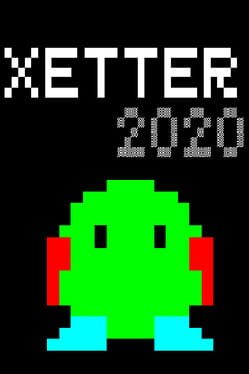
Xetter 2020
Description (IGDB)
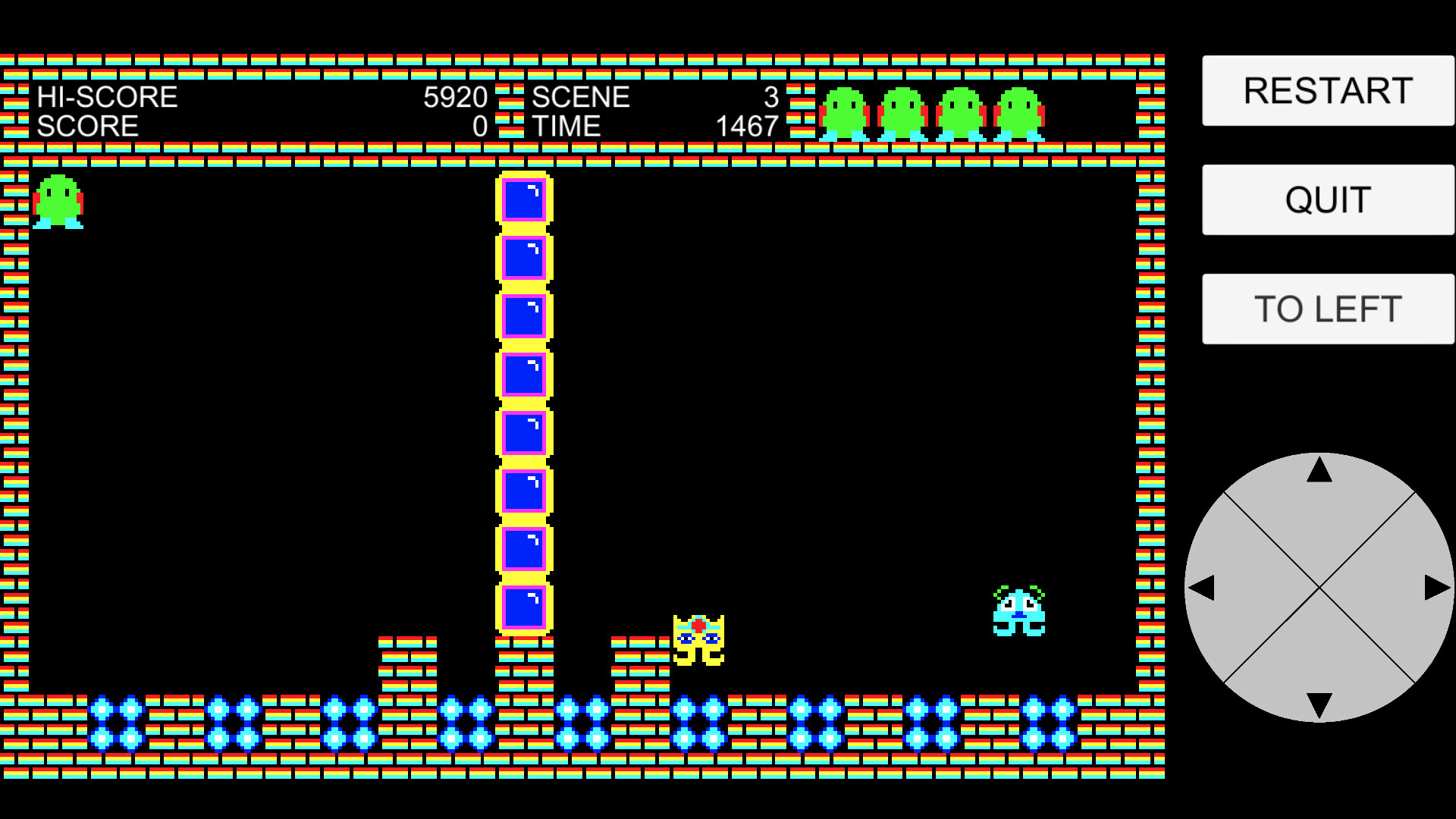
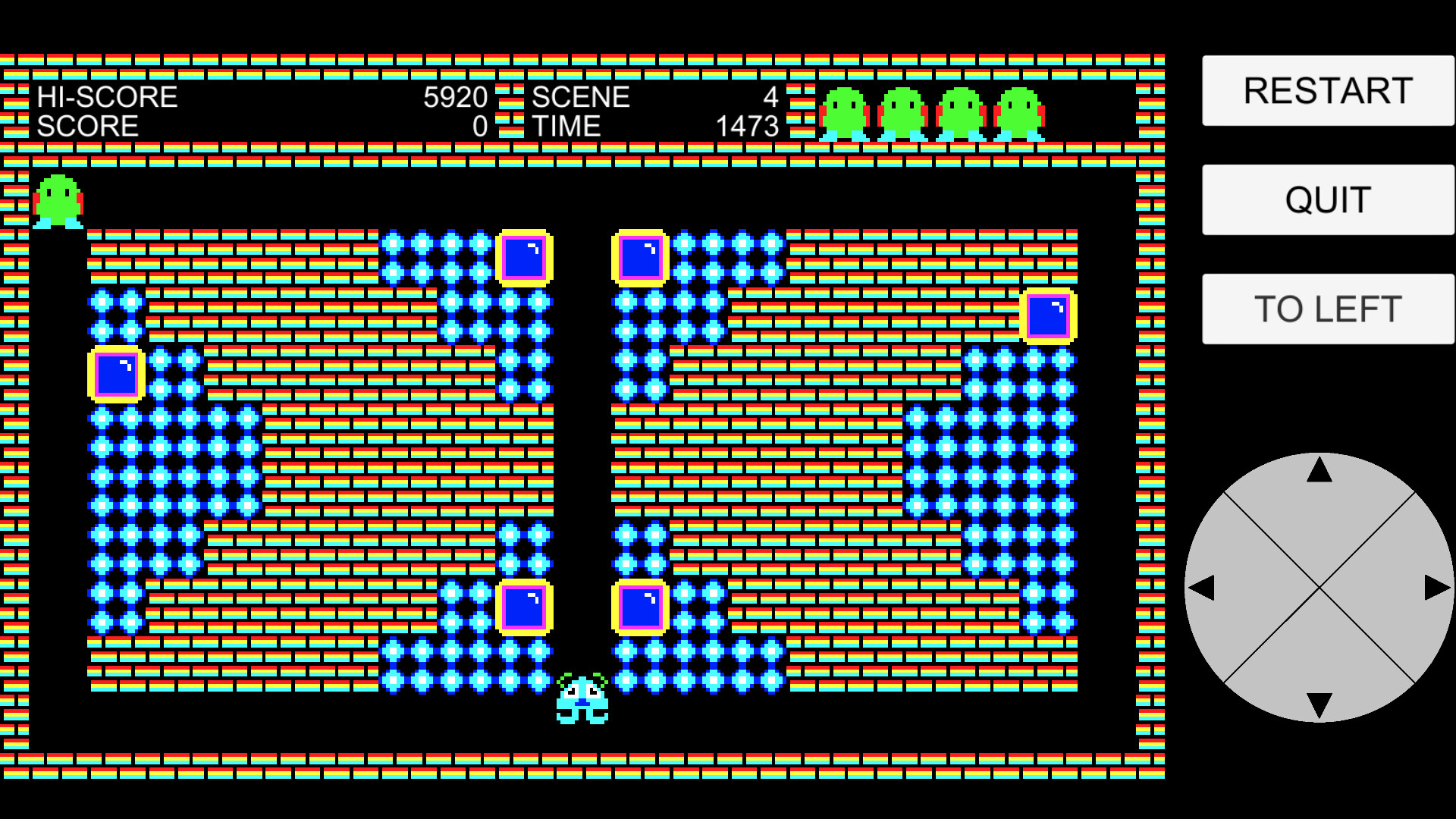
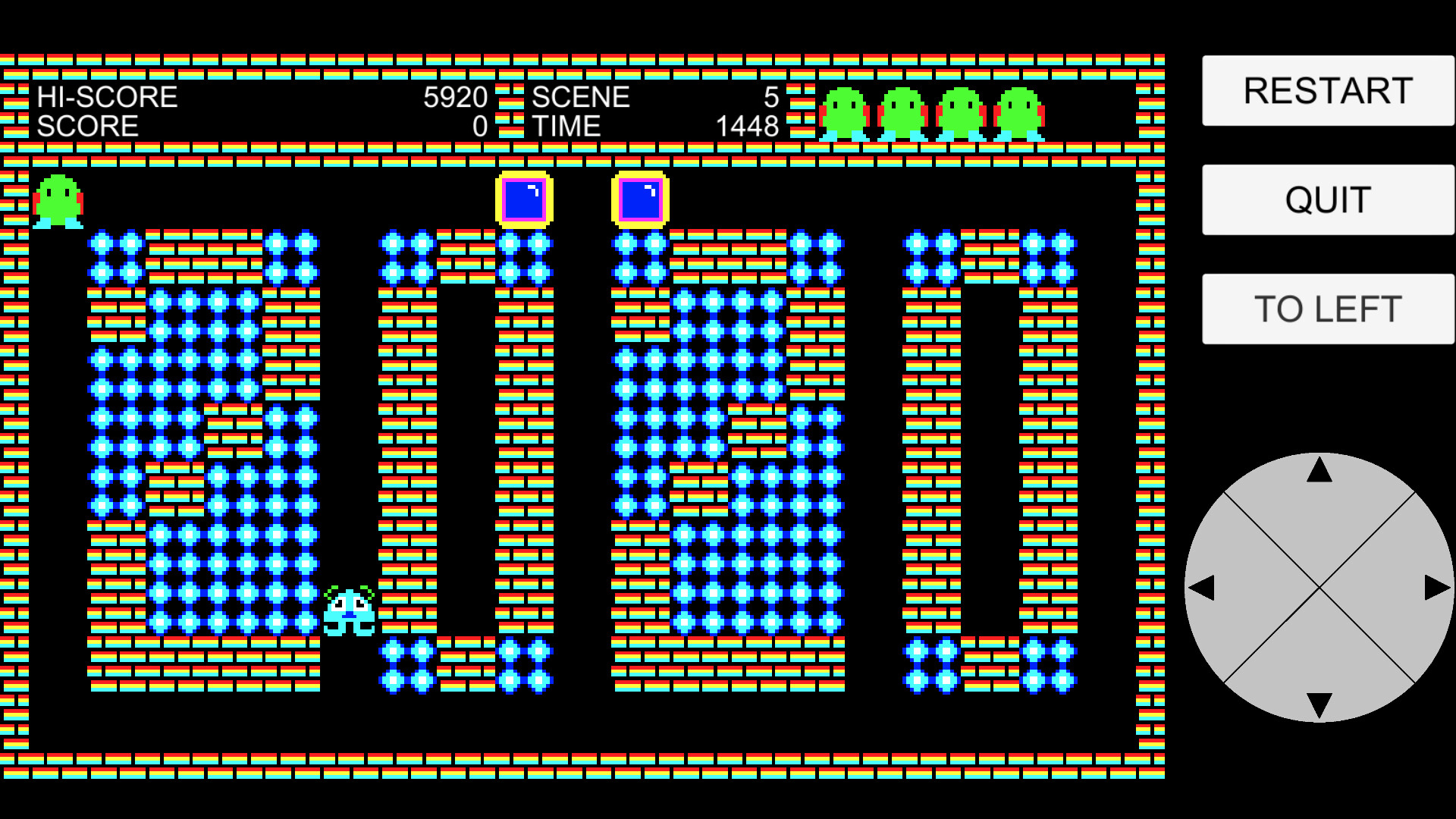
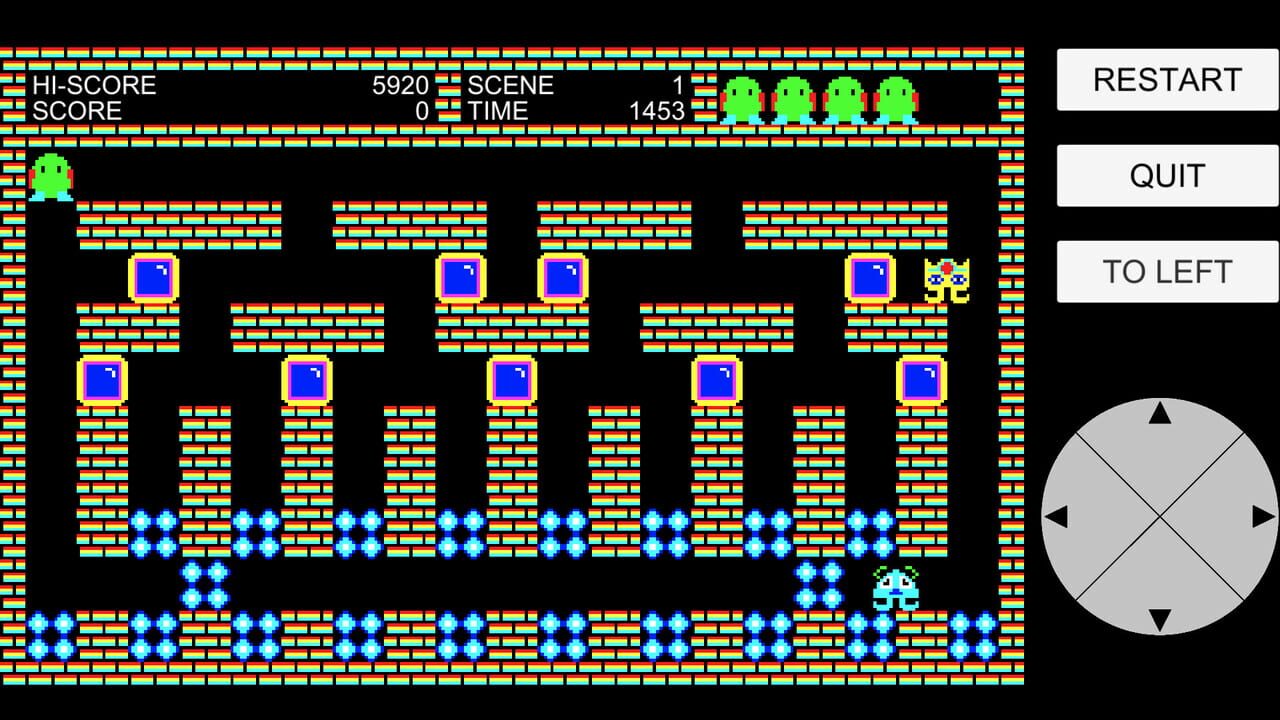
Collect all the dots to clear each of the 30 action-puzzle scenes. Dodge two types of enemies, drop blocks to crush them, and avoid being crushed yourself. Use limited lives wisely, restart levels when needed, and unlock cleared scenes for replay. Can you beat them all?
Description en cours d'enrichissement.
Médias
Informations Steam
Description Steam (Français)
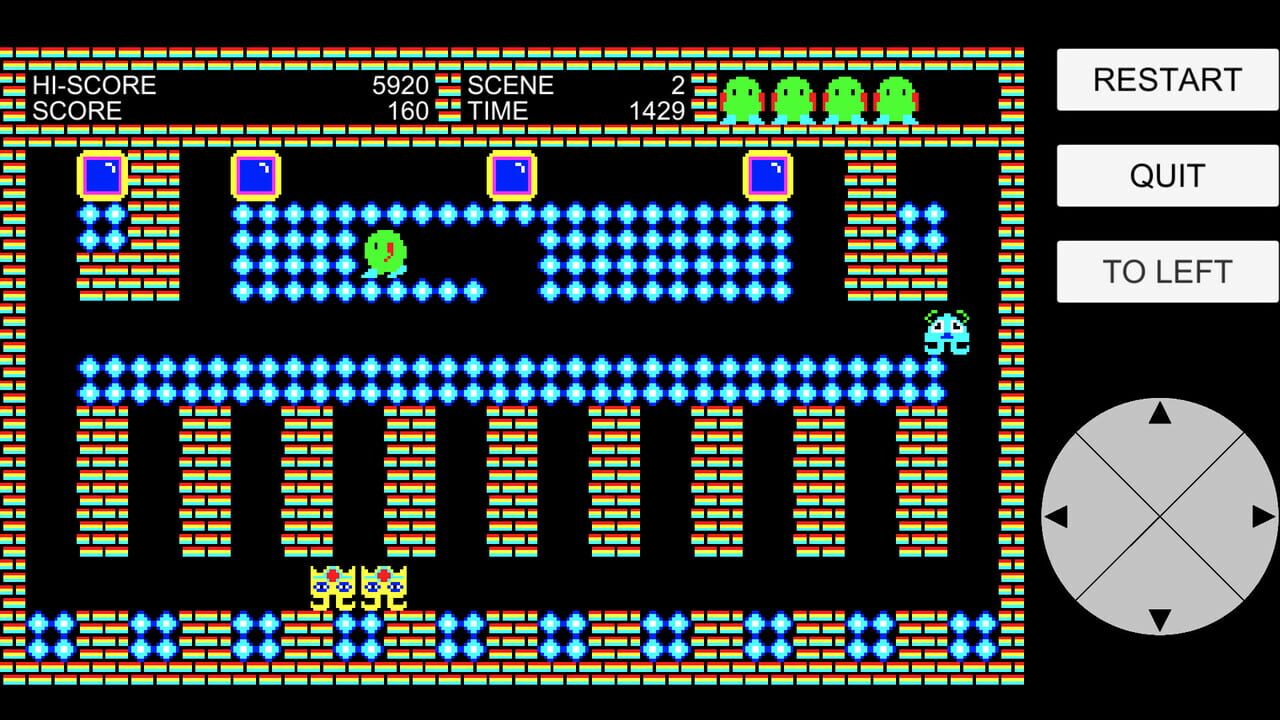
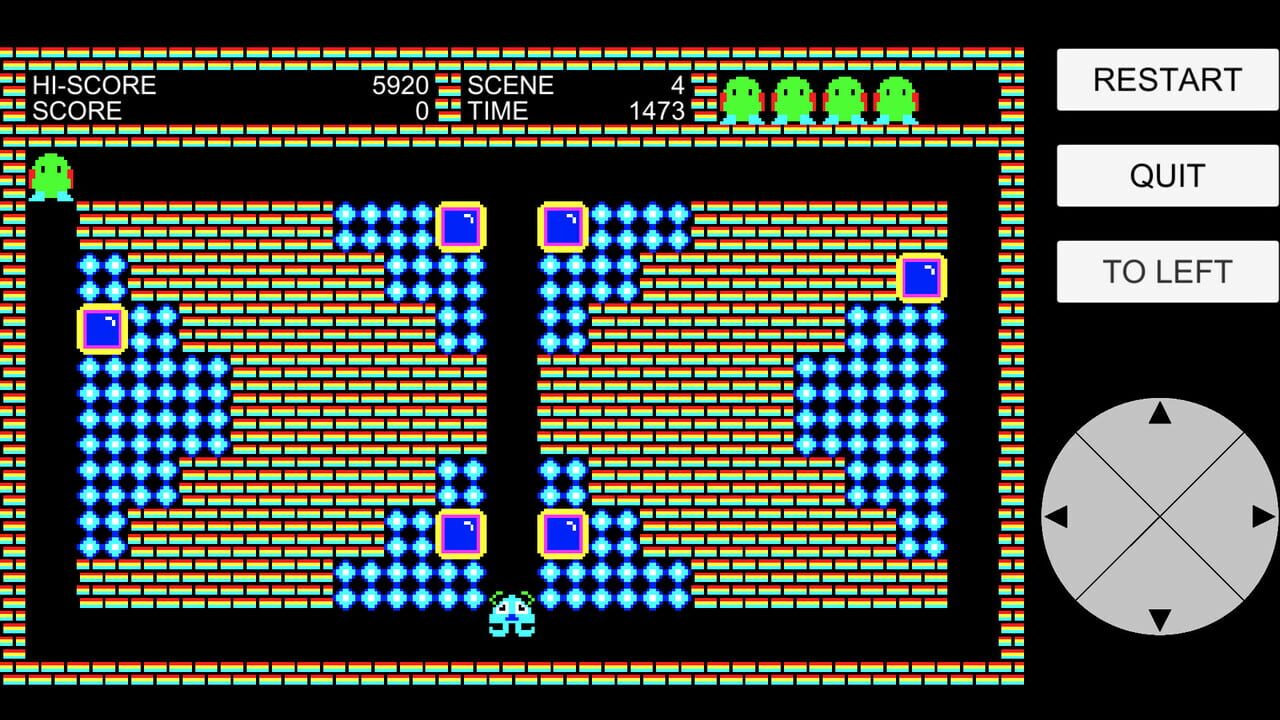
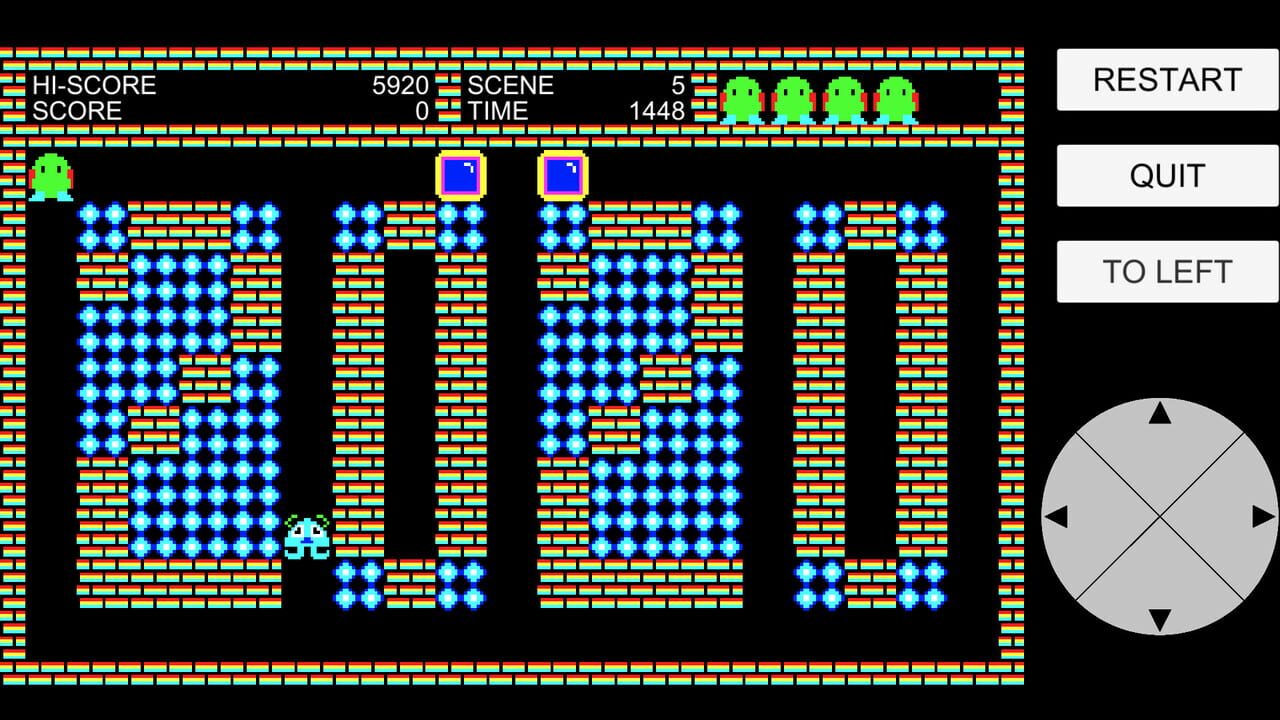
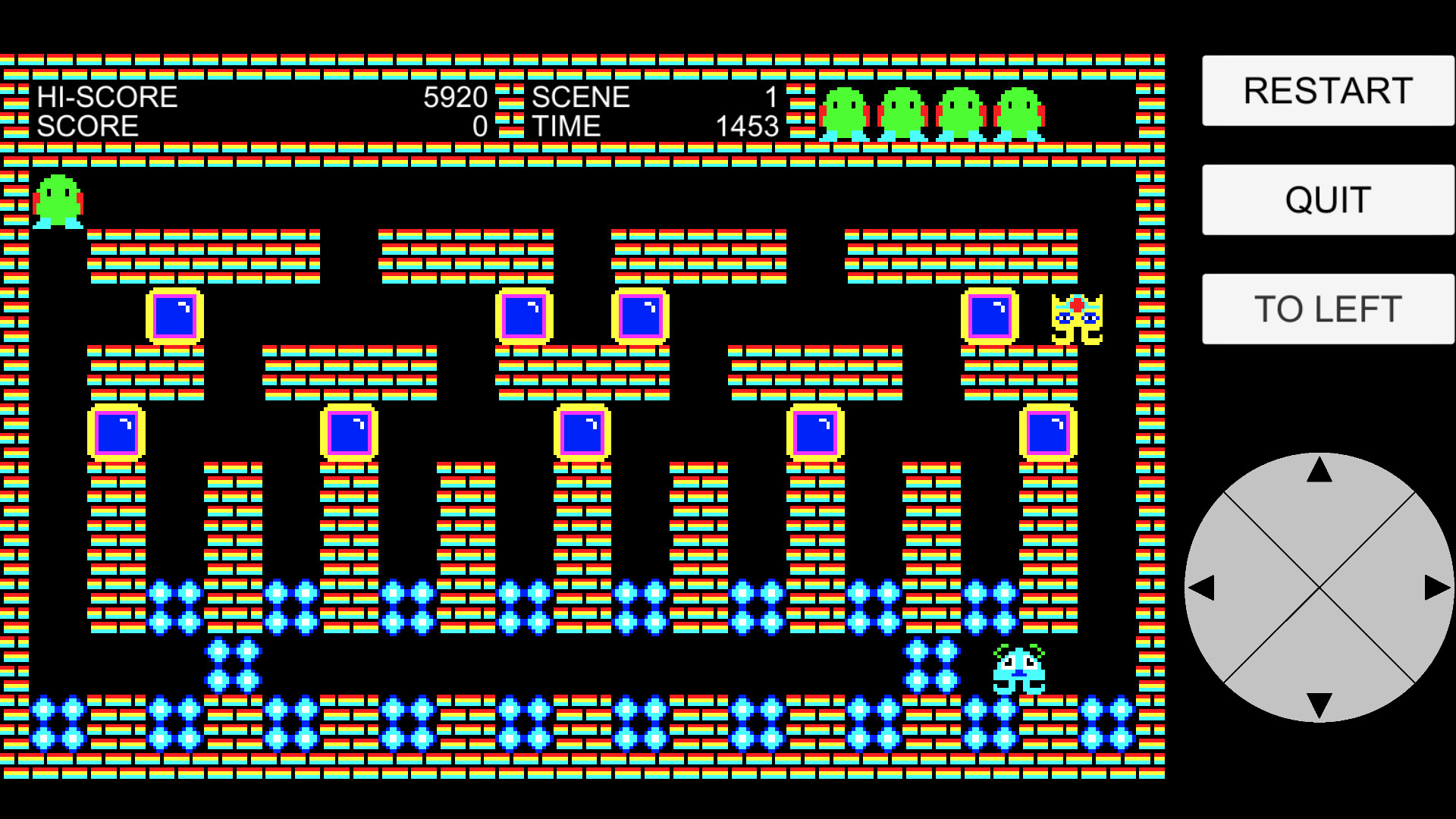
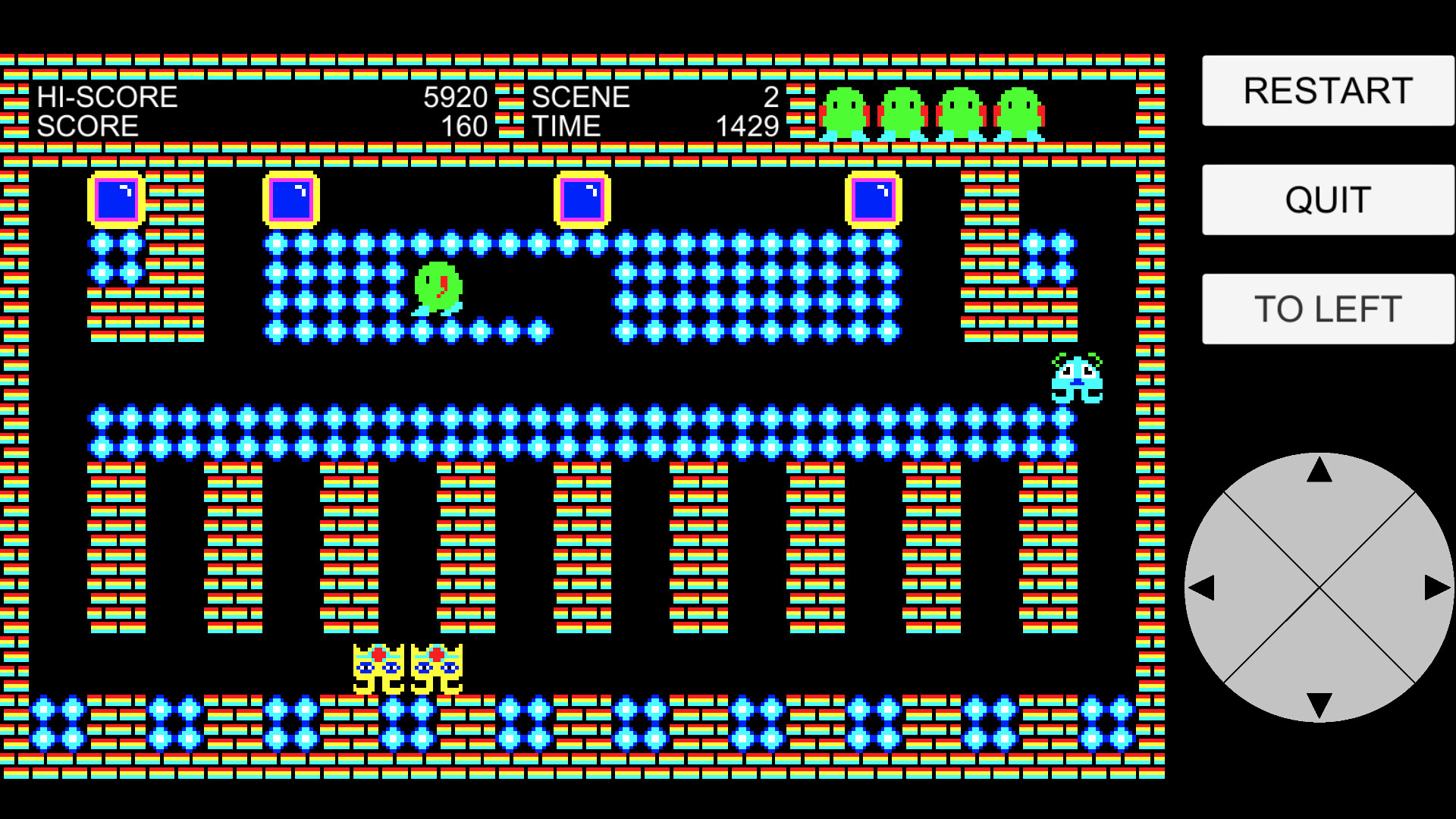
In this action-puzzle game, your goal is to clear each scene by collecting all the dots. There are 30 unique scenes to conquer.
You control the main character using either a keyboard, controller, or on-screen joystick. Navigate the stage, avoid enemies, and use blocks strategically to survive.
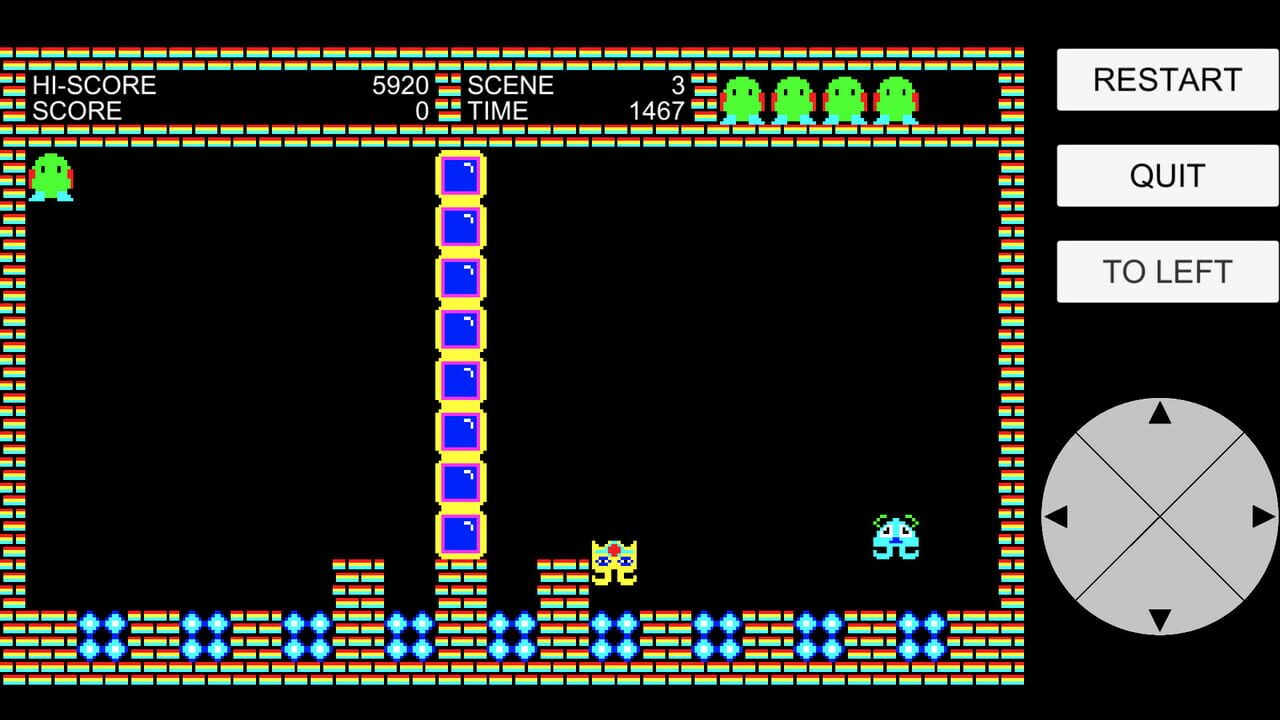
Two types of enemies chase you relentlessly. If they catch you, you lose a life. However, you're not defenseless—by pushing blocks and dropping them from above, you can crush enemies. Be careful though: if you're crushed by a block yourself, you'll also lose a life.
Each scene has a time limit. If time runs out, you lose a life. Lose all your lives, and it’s game over.
You can restart the current scene at the cost of one life using the [RESTART] button, or return to the title screen using the [QUIT] button.
Once you clear a scene, it becomes available for selection from the title screen. Use the [UP] and [DOWN] buttons to choose a previously cleared scene, and use [TO LEFT] or [TO RIGHT] to move the position of the on-screen buttons for comfort.
Can you clear all 30 scenes and master every challenge?
Additional Controller and Keyboard Functions
In the game screen, the [RESTART] button can also be triggered by pressing the controller's [START] button or the keyboard's [Delete] key.
In the game screen, the [QUIT] button can also be triggered by pressing the controller's [BACK] button or the keyboard's [Esc] key.
In the title screen, the [UP] and [DOWN] buttons can also be triggered by using the controller's D-pad or analog stick (up/down/left/right) or L/R buttons, or by using the keyboard's arrow keys.
In the title screen, the [START] button can also be triggered by pressing the controller's [START] button or the keyboard's Space or Enter key.
In the game screen, the [TO LEFT] and [TO RIGHT] buttons can also be triggered by pressing the controller's L/R buttons or the keyboard's L/R keys.