No Limits 2
Description (IGDB)
A roller coaster simulation game that features a robust track editor and the ability to ride your creations.
Description en cours d'enrichissement.
Médias
Informations Steam
Description Steam (Français)
Use a full-featured roller coaster editor with a CAD-style wire-frame display to build a custom coaster. Drag and drop track, supporting structures, and other objects. Use slider bars to change the perspective of the elements being designed, and to zoom in and out. Your only constraints are the laws of physics and your imagination.
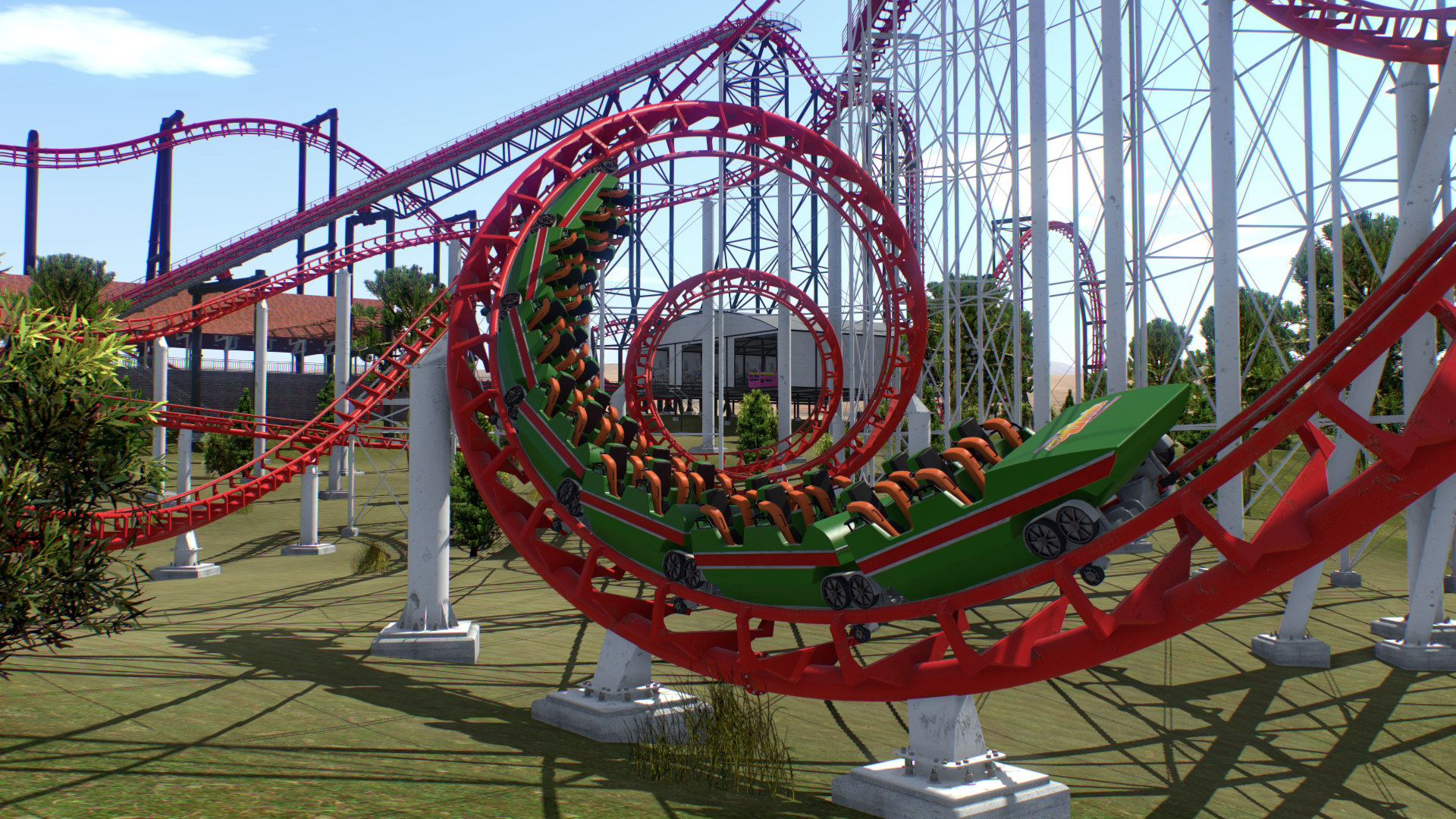
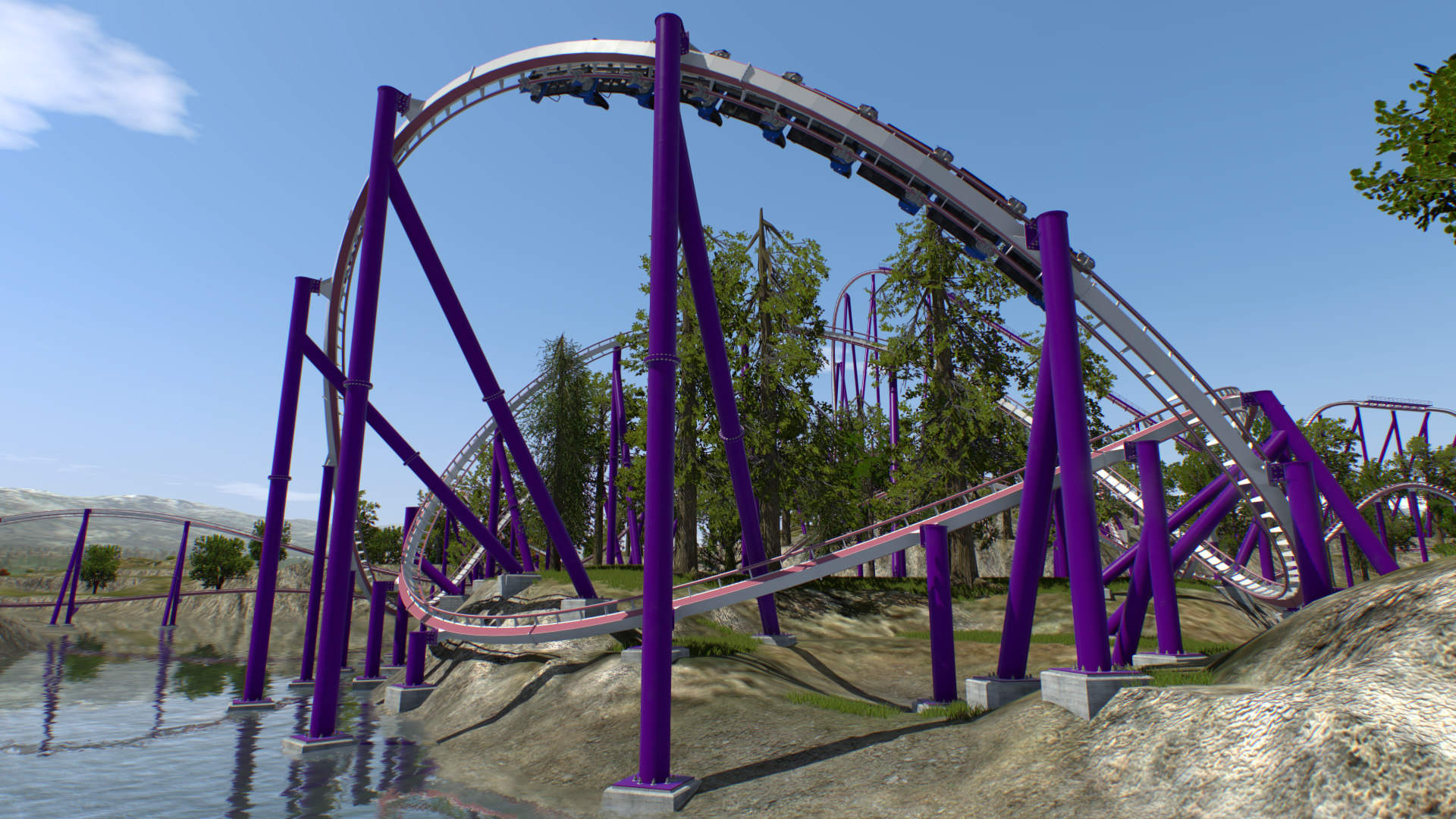
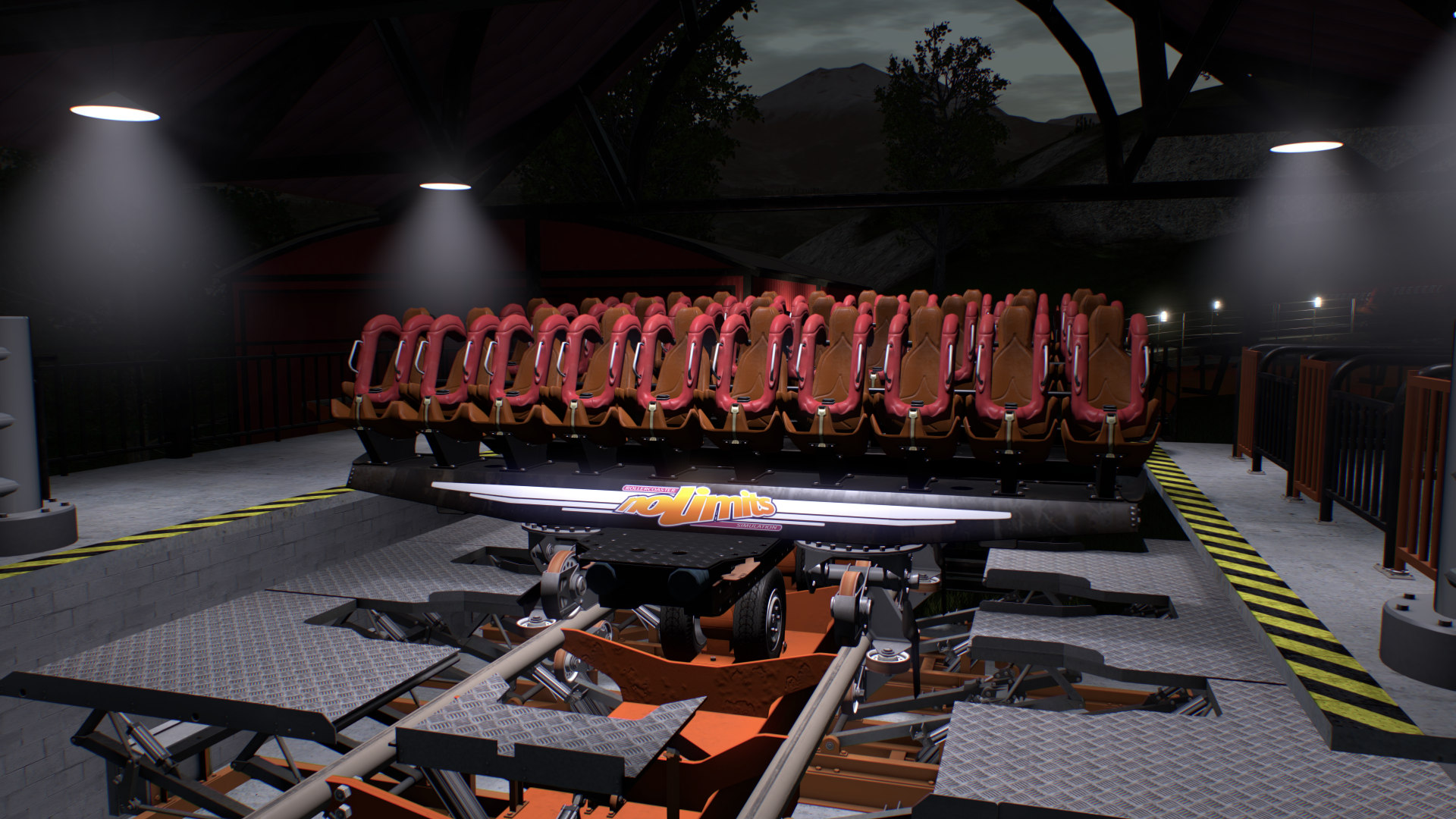
After you have designed and constructed your roller coaster, NoLimits 2 serves up a real-time roller coaster experience, from the time the train chugs its way up the first slope, to the time it stops to a stop on the exit platform. The simulation includes the sounds of the wind rushing by, and the metal-on-metal sounds that are integral to enjoying a coaster ride. It's easy to choose any seat on any car in the coaster train. Use the computer's mouse to change the line of sight and angle of vision.
NoLimits 2 is the world's most comprehensive roller coaster simulation, with results so realistic that professional designers like John Wardley use NoLimits 2 to create and test designs for physical roller coasters. Roller coaster manufacturers including Vekoma Rides Manufacturing B.V., The Gravity Group, Inc., Great Coasters International, Inc., Premier, Inc., Maurer Söhne GmbH, Intamin A.G. and others have used NoLimits for purposes including layout, design and integration, visualization and marketing.
NoLimits Roller Coaster Simulation 2 is the ultimate roller coaster simulation, hands down. Don't believe us? Just ask the pros.
Features
- Designed for multi-core CPUs and next generation graphics
- Realistic roller coaster physics
- Integrated park editor
- Everything realtime!
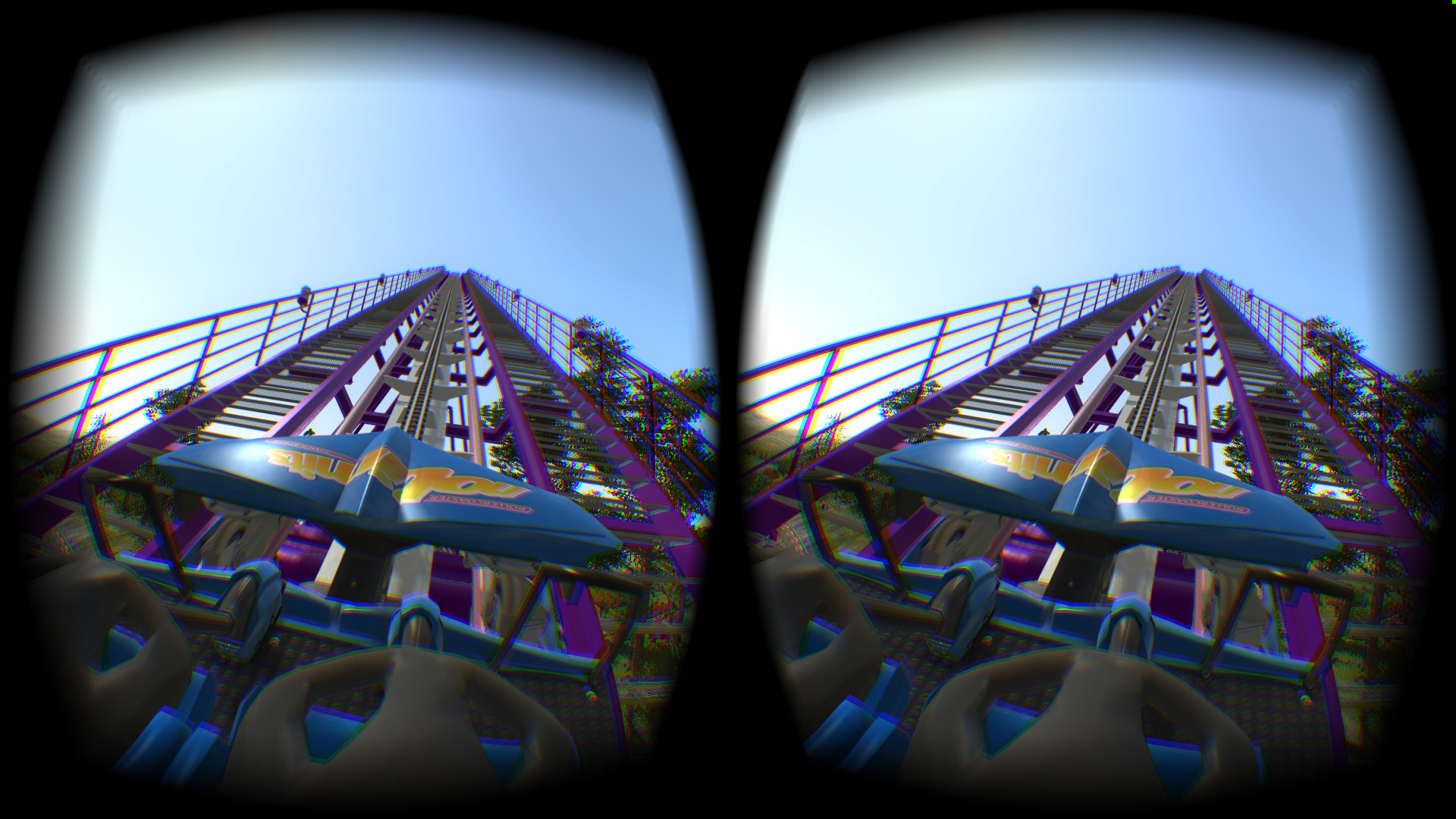
- Oculus Rift CV1 and Development Kit 2 support (Windows version only, Runtime 1.3 or newer required)
- HTC Vive support (using OpenVR)
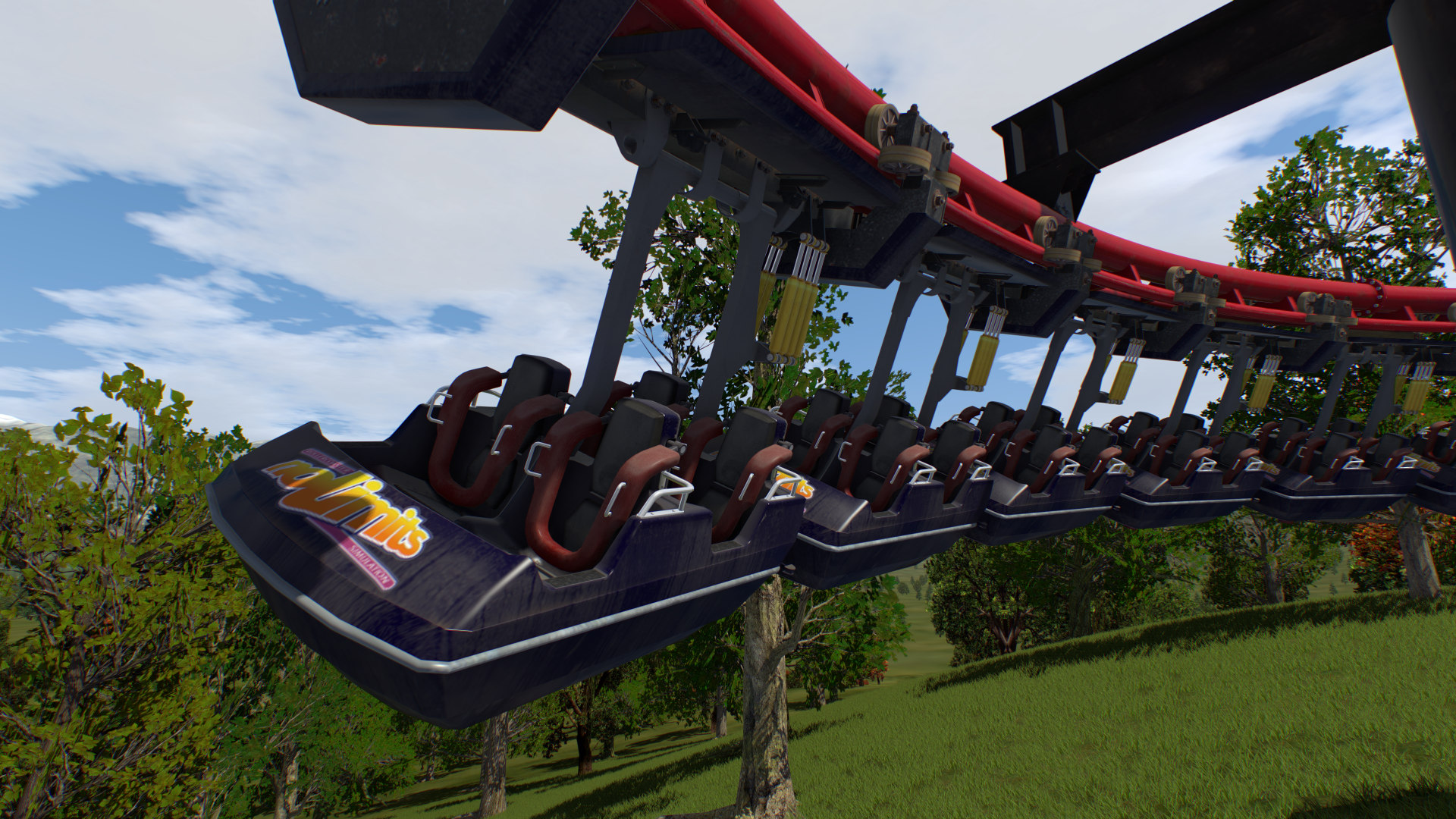
- 40 different coaster styles including 4D, Spinning, Wooden, Wing, Flying, Inverted & Suspended
- Lots of included scenery objects including animated flat rides and trees
- Shuttle coasters
- Switches and transfer tracks
- Different worn levels to simulate aging
- Different rail type
- More than one train at the same time
- More than one coaster in the same park
- Dual stations
- Duelling coasters using synchronized stations
- Custom spline positions relatively to track
- Backwards running train option
- Block sections
- Realitistic control of brakes
- Animated brakes, wheels, lifts, harnesses, gates, etc.
- Intelligent track spline options
- Complex support structure design
- Different camera perspectives: onboard, free, target, fly-by
- Special walk mode (with collision detection)
- Choose your seat, car, train and coaster
- Mouse simulates head moving
- Advanced terrain engine
- Next generation graphics with normal mapping, specular mask, reflections and realtime shadows
- Lens flare effect
- Volumetric light and fog effects
- Depth-of-field effect
- Weather effects
- Dynamic sky with Day-Night-Cycle
- 3D Surround Sound using OpenAL
- Environmental Audio Effects (Reverb inside tunnels etc.)
- Integrated environment editor to change skybox, and background
- Lots of shipped demo environments (high mountains, flat background)
- Integrated scripting language
- Shipped with demo objects and scripts
- Import of DAE, 3DS, or LWO files for custom scene objects
- Integrated light pattern creator tool for generating animated light textures
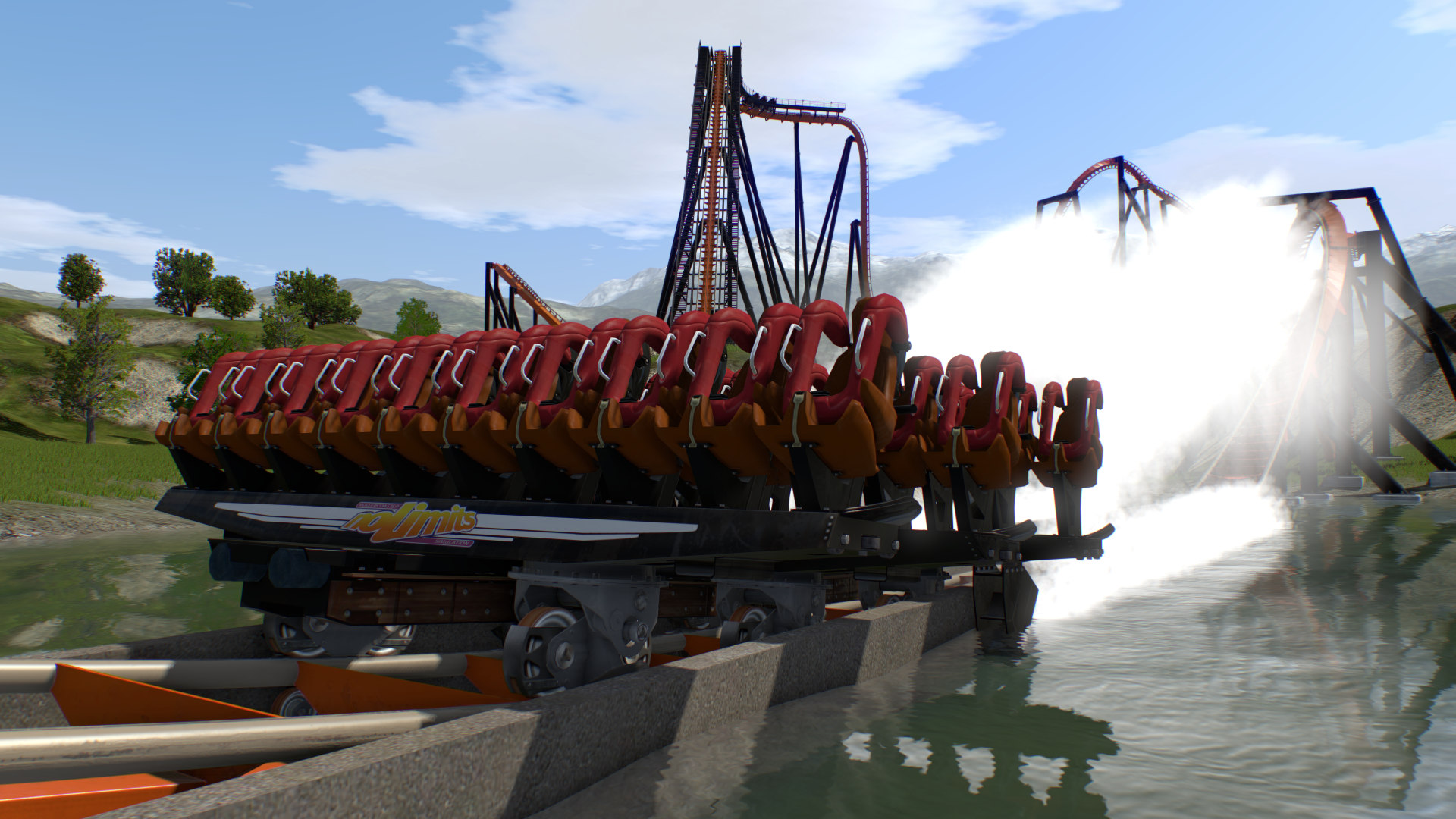
- Water splash effect for coasters with water scoops (dive coaster, staggered hyper coaster)
- Integrated Formula track element language
- Integrated Force vector track element designer
- Package file export
- High quality video export with perfect frame timing
- Lots of included parks
Please note that the Steam Edition of NoLimits 2 is identical to the Standard Edition of NoLimits 2.
For professional users we offer upgrades to the Professional Edition on our website. For more information about the Professional edition and other types of available licenses please visit our website or email us at [email protected]
Restrictions in Free Demo
- Demo can be used for 15 days only
- Only 4 coaster styles available in demo
- Only 3 demo parks
- Very limited park saving in demo (tracks with up to 10 vertices only)
- No video recording in demo
- No screenshots
Éditions et prix Steam
Avis des joueurs Steam
je recommande ce jeu
Mises à jour et Actualités
Small Patch released
This small patch (version 2.6.8.1) fixes a few issues that got reported since the last major update. See ingame (Main menu -> Info -> What's New) for a detailed list of what was changed.
Warm Winter Wishes
New major update 2.6.8.0 released with many improvements, including new TAA (temporal anti-aliasing) options. Here is a brief list of the most important improvements and additions.Engine Improvements Added two new Temporal Anti-Aliasing options. One is more conservative with only two temporal samples, while the other gives a smoother picture, at the cost of making the picture more blurry. Both options are good tradeoffs for quality vs. performance considerations, and are highly recommended to be tried out, especially for VR.Track Improvements Improved Vekoma Minetrain track with additional C-beam and improved friction tires and motors. Added modern spine types to Gerstlauer Euro-Fighter and Infinity styles. A few other slightly improved coaster style tracks.Terrain Added Terrain Import and Export (Pro Version only). Terrain can be exported as a 3D object, including tunnel cut outs. Improved Terrain from Scenery (Pro Version): Added option for choosing between scanning the top or bottom of the object.Scripting Many new scripting methods and bug fixes.Editor Improvements Added Time Comb spline option. Will estimate time along the track inside the editor. Works similiar to other 'Comb' splines. Added special trigger for resetting the Time Comb time. Added keyboard shortcut for reloading selected scene object (Ctrl-R / Cmd-R) Coaster Properties: Added various values to the coaster statistics (e.g. 'Max Height', 'Highest Drop', 'Max Speed', etc.) Added Reversee Direction option to 'Add Element' panel. Can be used to reverse a track by saving and loading as an element. Added 'Beam Node to Free Node' conversion option on Supports tab. Added Copy/Paste/Apply to Supports Panel. Can be used to quickly copy parameters from one support to another.Other Improvements Added new Path Material: 'Angled Blocks Vegetation' Added more options for custom materials (NL2MAT and NL2SCO Editor improvements). Added specialized friction tire lift sounds for Modern Looping Coasters (taken from original coasters) Added Field of View angle display on View Panel (F7) Setup: Telemetry server can now also be started and configured using the Setup (Others tab). Scenery: Improved '3D Trees' tree set with using experimental new LOD sprite system. Some trees should now have less LOD popping artefacts. Various smaller optimizations and bug fixesMore...For a more detailed list of what else is new, see in-game 'Main Menu -> Info -> What's new'...
New Update 2.6.6.0 released
Happy Holidays! New update released with a new major feature: Easy to use path system for creating walkways. {STEAM_CLAN_IMAGE}/6631937/61e1d924f4a0ab1f2ed2e35bdd87915584e55962.jpg New Path System It works similar to a paint program. Simply draw straigths and perfect curves. Create more complex paths by simply painting multiple straights or curve elements on top of each other. Paths will automatically be placed on top of terrain and will then stay there fixed. Select from 10 different surface materials. Select from 4 different curb styles that will be added automatically to path edges. This update contains many more small improvements and features, here is brief list of what else is new... Materials Track and supports are rendered now using true PBR materials. Both steel roller coasters and wooden roller coaster materials were changed. Specular highlights should be more realistic, especially on steel supports and track. Dynamic Environment New Rayleigh scattering effect. Makes distant objects to appear slightly more blueish and brighter. Most noticeable on the far horizon. Editor Coaster Properties can now be opened and changed even for frozen coasters. Added 'Choose From Selection' button. Can be used to quickly choose a scene object from a currently selected instance. Added Support Free Node Panel. Can be used to precisly set the free node's position. Added keyboard short cuts for switching views (similiar to how it works in Blender) Added 'Flatten Terrain' option. Can be used to make a region of terrain to an average height easily. Each terrain layer now has individual texture scaling (Repeats) values. Now it should be much easier to create individual layers, because tweaking the scaling will never affect other layers. 4D Coaster Style Added 4D Range Offset angle option to Coaster Properties panel. This can be used to shift the range of available 4D rotation angles. Added 4D Angle on transfers option to Coaster Properties panel. This can be used to change the angle on tracks where it is not possible to add 4D parameter points. Added rail support connector '4D Special Horizontal' which is found on typical 4D coasters. Shadows Improved smoothened shadows with less jaggy artefacts. Fixed a problem with shadows looking weird or dissappearing on some VR headsets. Steam Deck and Game Controllers Improved Steam Deck support Using Steam Input now instead of XInput (Steam version only). Default Steam Deck controller layout for Steam Input added. Entering text in text boxes (such as the search field on the help window) will now open the Steam Deck virtual touch display keyboard. Improved Steam Deck detection which will make NL2 start in fullscreen mode, when started for the first time. Added a few Steam Deck and Linux related optimizations which should increase FPS slighly. The real buttons of the used controller type should now be displayed on the Controller Mapping panel, instead of showing a general XBox controller layout. More... For a more detailed list of what else is new, see in-game 'Main Menu -> Info -> What's new'...